Create Professional
E-Learning Courses
with AI —
Not Just Content
HACC Gen combines AI with proven instructional design
principles to help educators, trainers, and organizations
create engaging learning experiences faster than ever.
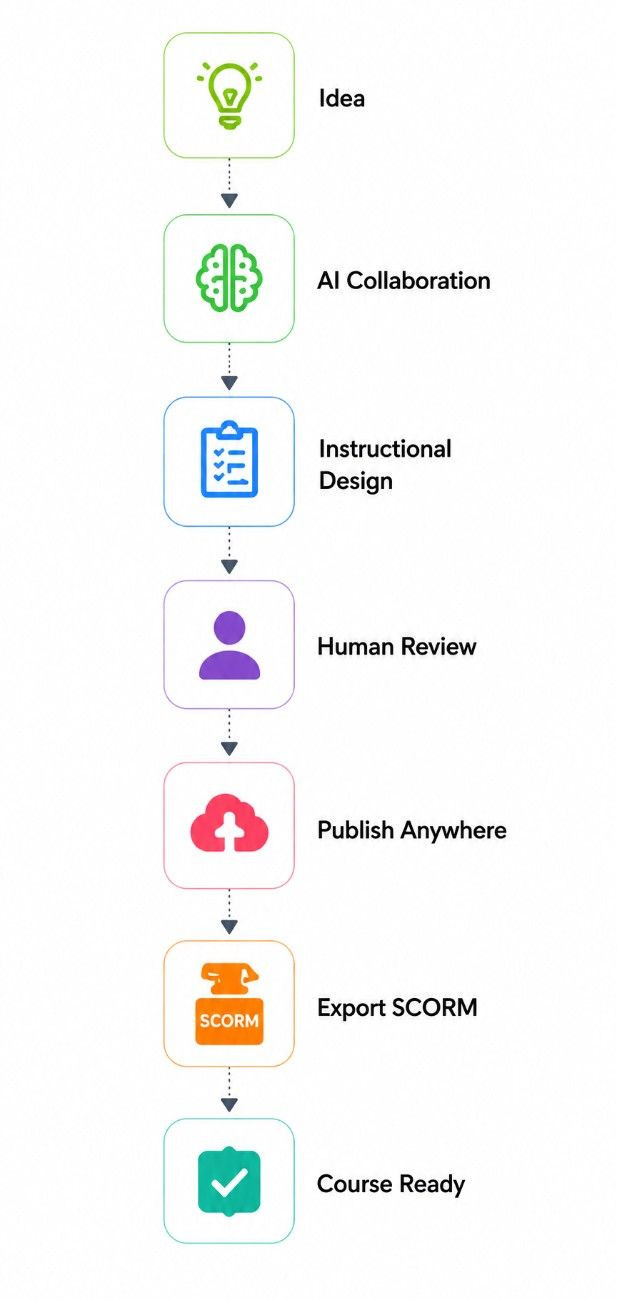
AI assists.
Humans decide.
Every output is reviewed,
refined and approved by humans.
Instructional Design Built-In
Aligned with proven frameworks like ADDIE,
Bloom's Taxonomy,
Cognitive Load Theory
and Adult Learning Principles.
Publish Anywhere
Export to SCORM 1.2 or SCORM 2004 which are compatible with any LMS. Directly publish to Moodle as well using plugins.
Multi-AI Platform
Uses the best AI specialized tools for every task like - text, images, videos, audio and more.
Enterprise Ready
It is secure, scalable and built for corporates, educators, and e-learning providers.
Built for Everyone in the Learning Ecosystem
Corporate Learning
Create onboarding,
compliance and leadership
training at scale.
Universities
Develop online degree
courses and blended
learning experiences.
Government
Build scalable citizen
learning and workforce
development programs.
Instructional Designers
Reduce development time
while improving instructional
quality.
E-learning Companies
Deliver more projects
with the same team and
higher quality.
Freelancers
Create professional
SCORM packages
for clients.
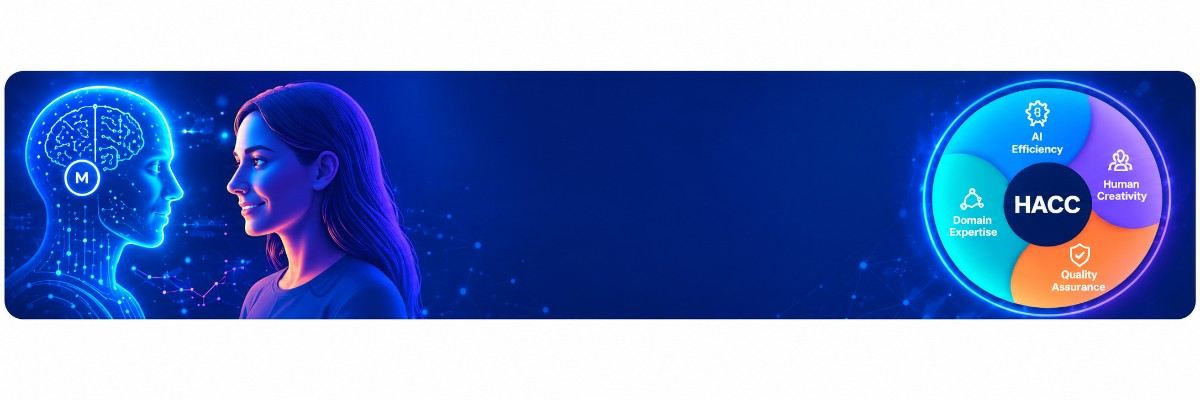
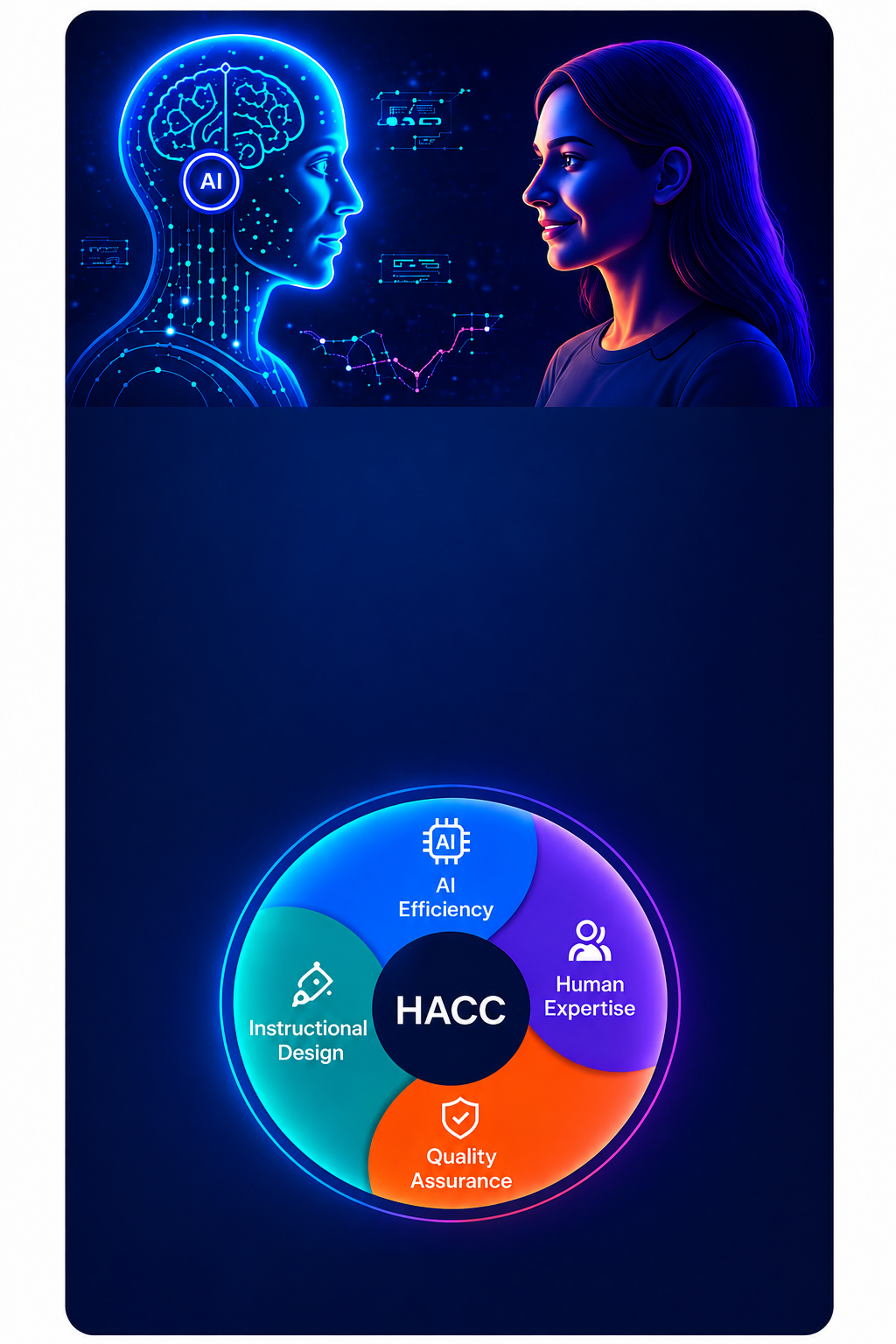
The HACC Human–AI
Collaboration Framework
HACC Gen is built on the Human–AI Collaborative
Course Creation (HACC) Framework. It empowers
instructional designers by combining AI efficiency
with human creativity, domain expertise and
quality assurance to create impactful learning
experiences.
Seamlessly connect HACC Gen with the learning platforms
you already use.
Moodle
Canvas
Blackboard
Desire2Learn
KnowxBox
OpenLearning
How is
HACC Gen
Different?
Most AI tools promise “automatic” content generation.
But when it comes to e-learning, educators and trainers
need more than just raw text. They need context,
customisation, and collaboration. That’s where HACC Gen
stands apart.
Other AI Course Generators
General-purpose text generation
Fully automated – minimal user input
Generates plain content
Limited (mostly text-based)
Static, hard to edit sequences
Standalone, export challenges
AI decides final flow
Focus
Approach
Course Structure
Multimedia Support
Flexibility
Integration
Ownership
HACC Gen
Purpose-built for e-learning & Moodle
Human-AI collaboration – your guidance shapes the course
Summarisation, expansion of text, translations, audio, images, avatar videos, infographics
Dynamic – rearrange, refine, or add topics
Seamlessly integrated into Moodle
You remain in control at every step
With HACC Gen, you guide the vision,
AI accelerates the execution.
Frequently Asked Questions
To continue working on a saved draft:
Go to Course Management.
Click the More... option under the Course section.
Select HACC Gen under Course Administration.
Click the yellow Manage Draft Data button.
Select your saved draft from the dropdown menu.
Click Load Draft.
HACC Gen Extender offers 33 languages to choose from in the Target language dropdown. Simply select the language you want your content to be translated into, enter your content in the Prompt / Narration field, and click Run. HACC Gen will then translate your content into the selected target language.
No. Once the SCORM package has been generated, you cannot change its navigation settings directly. To change the navigation, update the setting in the course and generate the SCORM package again.
Yes. In the SCORM Visual Settings section, you can select the primary colour and font, and upload a PNG logo to personalize the package. These settings will be applied when the SCORM package is generated.
Last modified: Monday, 14 September 2026, 10:09 AM